Firefox Shipped Fixes Before OpenAI Announced GPT-6 Cyber
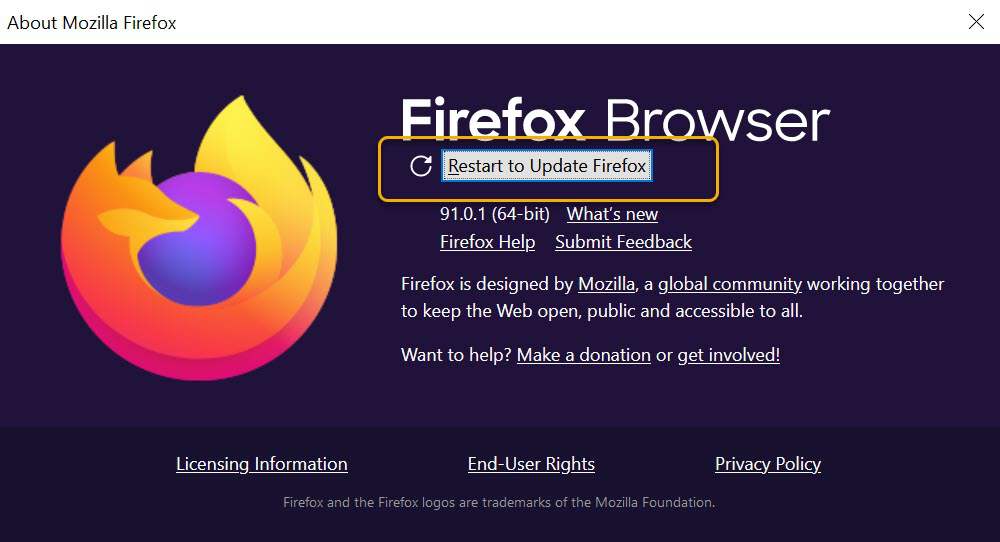 |
| Mozilla’s help image shows the restart button in an older desktop version. Its displayed version number is historical. Screenshot from Mozilla Support, used under Mozilla’s editorial screenshot policy. |
On October 27, Mozilla published a security advisory for Firefox 159. On November 5, OpenAI introduced GPT-6 Cyber and pointed to that same advisory. If you had already installed the Firefox update, you could have received fixes from the research before you ever heard the model’s name.
In OpenAI’s account of the work, its researchers used GPT-6 Cyber to produce evidence for 81 previously unknown Firefox vulnerabilities that Mozilla classified as high severity. The work also showed that 30 issues already on record were more serious than earlier reports suggested. That second group interests me. Getting a maintenance team to move a known bug up its queue can matter just as much as finding a new one.
What reached the browser
Mozilla’s advisory identifies the affected product, the date and the release carrying fixes. OpenAI says Mozilla has shipped fixes for many of the campaign’s findings. The advisory also credits other researchers. Counting every entry on that page as a GPT-6 discovery would give the model credit for other people’s work.
The Linux figures describe a different result. OpenAI reports validating 948 cases in which Linux kernel flaws could be used to gain higher privileges. That total includes previously known vulnerabilities. It also says it sent maintainers 304 critical findings with proposed patches. A maintainer still has to review a proposed fix, check what else it affects and get it into a release people can install.
What “Critical” means here
OpenAI gives GPT-6 Cyber a Critical rating for cybersecurity capability in its system card. That rating governs how the company treats the model. Mozilla uses its own scale for individual browser bugs. At launch, access to the model was limited to selected, approved Daybreak Red customers through the API and Codex.
The part open to everyone is the update. For desktop Firefox installed directly from Mozilla, the About Firefox window checks for updates and prompts for a restart when one is ready. A distribution-packaged Linux installation gets its updates through the distribution. Mozilla’s instructions cover the differences. As with the people who maintain PHP, the people who review and ship a fix are part of the security story too.


Comments
Post a Comment